
Why Your Google Reviews Are Invisible (And How to Display Google Reviews on Website to Sell)
 Greg CrossJun 29, 20269 min readUpdated Jul 16, 2026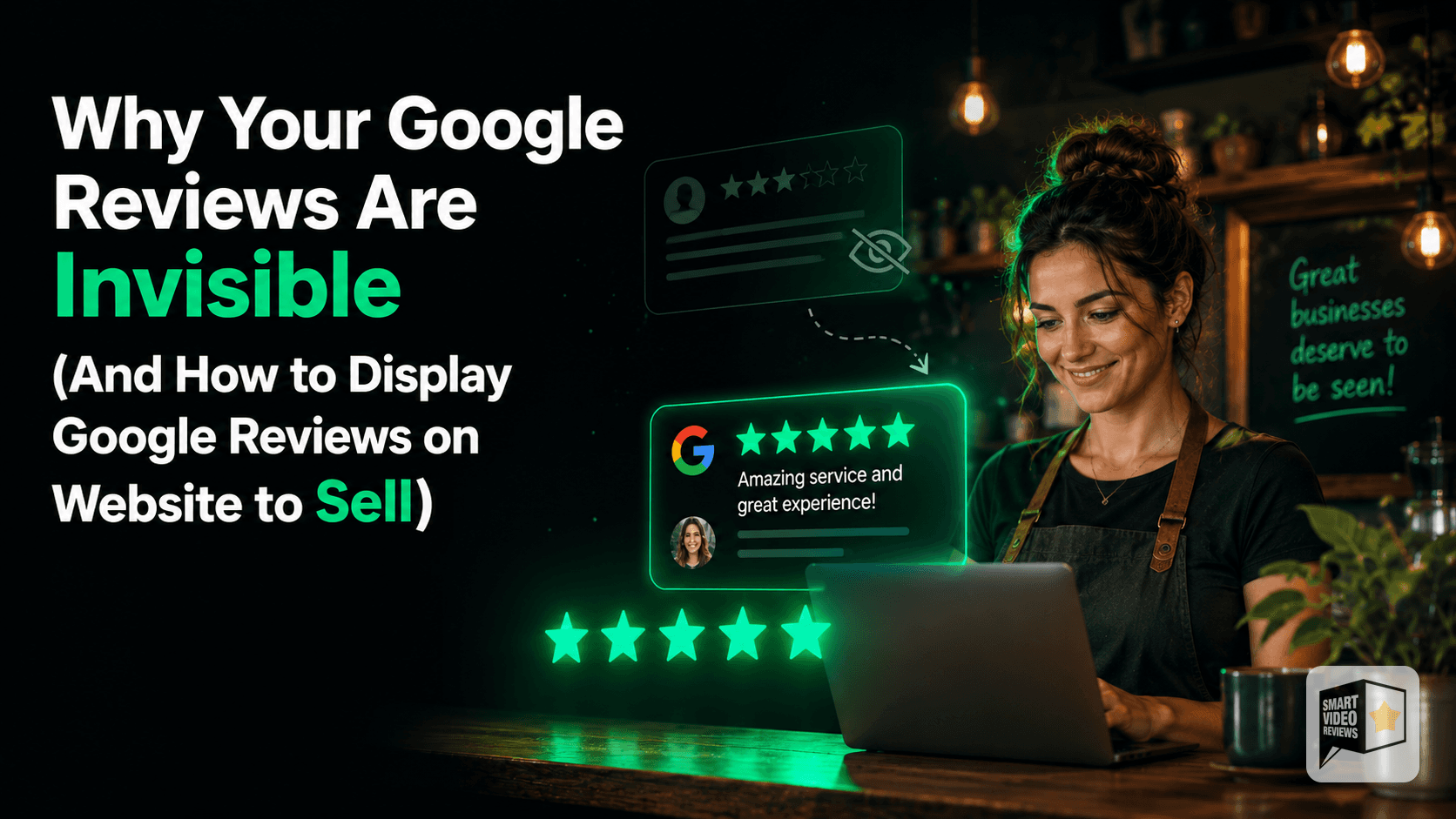
Key takeaways
- Great Google reviews often go unseen because prospects find you on Instagram, Facebook, or referrals — not by visiting your Google Business Profile.
- People skim the star rating and skip the written details, yet specifics like "fixed a leak three other plumbers missed" are what actually persuade.
- Today's buyers watch more than they read, so text reviews compete poorly against video on the feeds where attention lives.
- Reviews are social proof that drives both trust and local search visibility — the most persuasive marketing is what a happy customer says, not what you say about yourself.
- Repurpose your best reviews onto your website near calls-to-action, into social posts, and especially into short branded videos you can post, embed, and send to prospects.
You've earned glowing Google reviews. Customers took the time to write them. So why aren't they bringing in more business?
The hard truth is that most reviews sit in a place few people ever scroll to. They exist, but they aren't working. In this post I'll look at why your reviews stay invisible, and explain how to display Google reviews on website pages and social feeds — turning that hidden goodwill into something that actually helps you sell.
Why Don't People See Your Google Reviews?
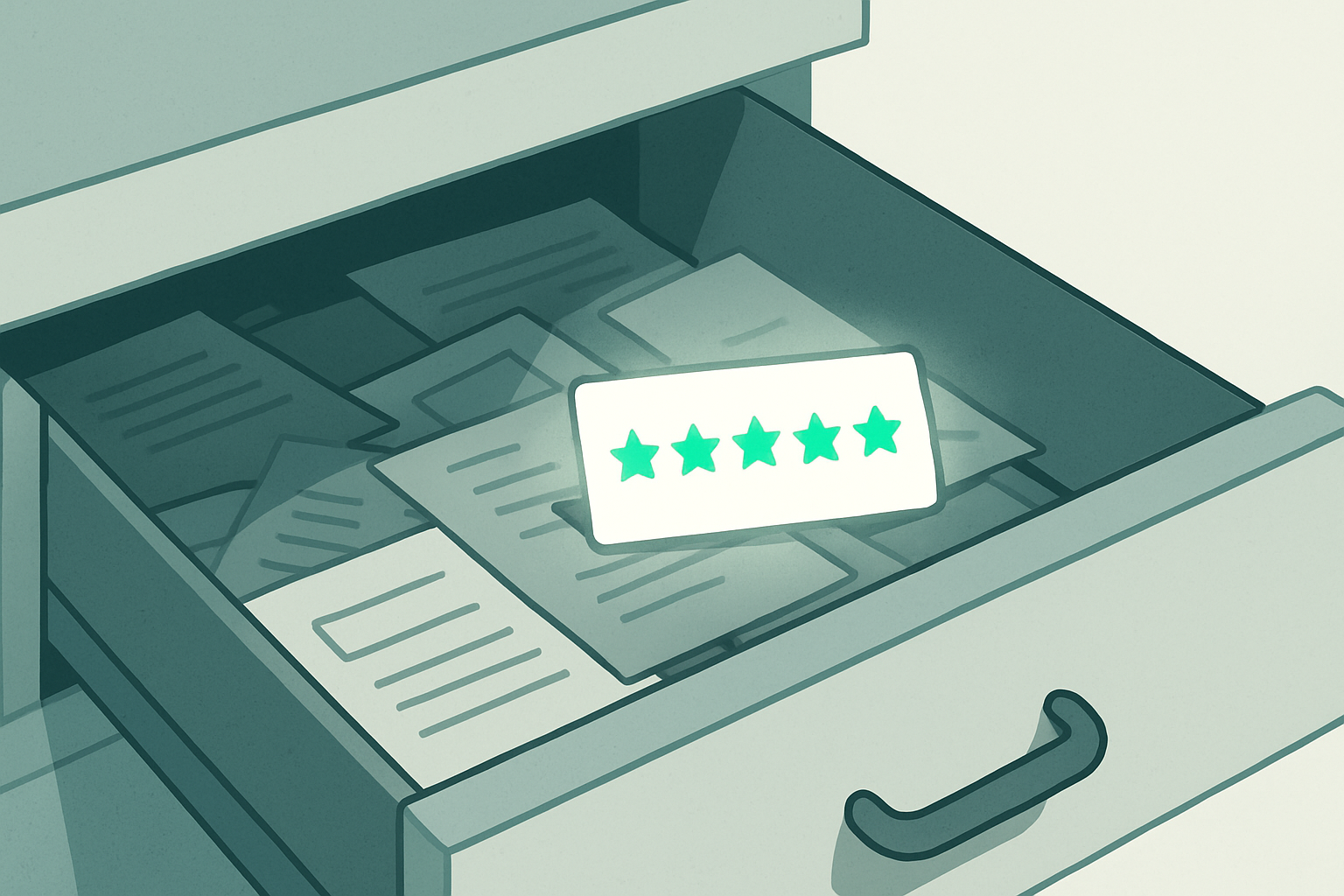
You probably assume that because your reviews are public, potential customers are reading them. In reality, a few quiet problems get in the way.
Are people even visiting your Google Business Profile?
Many of your best prospects find you through Instagram, Facebook, a friend's referral, or your own website — not by searching your business name on Google. If they never land on your profile, they never see the reviews living there.
A great review only influences a buyer if it crosses their path at the right moment. For a lot of local businesses, that simply isn't happening.
Does anyone scroll past the star rating?
When someone does check your profile, they often glance at the overall star rating and move on. The written stories — the ones that explain why a customer was thrilled — get skipped.
That's a problem, because the specifics are what persuade. "Great service" means little. "They fixed a leak three other plumbers missed" sells. Yet that detail is buried in a paragraph most people never expand.
Is text the wrong format for how people consume content?
Today's buyers scroll fast and watch more than they read. A wall of text reviews — even excellent ones — competes poorly against video on the platforms where people actually spend their attention.
Your reviews aren't bad. They're just stuck in a format and a location that limits how many people ever experience them.
Why Do Reviews Matter So Much for Local Businesses?

Before we fix the visibility problem, it's worth remembering why reviews carry so much weight in the first place.
For a local service business, trust is the whole game. People are inviting you into their homes, their cars, their bodies, or their finances. They want reassurance that someone like them had a good experience.
This is the principle of social proof: we look to others' behavior to decide what's safe and smart. A genuine review from a real customer does something your own marketing copy can't — it speaks on your behalf, credibly.
According to Google Business Profile Help, reviews can also influence how your business appears in local search results. So reviews don't just persuade humans; they're part of how you get found at all.
The most persuasive thing in your marketing isn't what you say about yourself. It's what a happy customer says about you, in their own words.
How to Display Google Reviews on Website and Make Them Visible
The goal is to take the social proof you've already earned and put it where your audience already is. Here are practical ways to do that.
Should you put reviews on your website?
Yes. Your homepage, service pages, and contact page are all moments when a visitor is deciding whether to trust you. A relevant review placed near a call-to-action can tip a hesitant browser toward booking.
Don't bury reviews on a separate "Testimonials" page that nobody clicks. Sprinkle them where decisions happen.
Can you repurpose reviews across social media?
Absolutely — and you should. A review is a piece of content you already own the goodwill behind. Turn one into a graphic, a quote post, or a short video, and you give it a second life in front of a brand-new audience.
The advantage of repurposing is leverage: one written review can become several posts across different channels, each reaching people who would never have visited your Google profile.
Why is video the most effective format?

Short video tends to hold attention better than static text on most feeds, and it's easy to consume on a phone. When a review is read aloud over branded visuals, the words feel more human and more memorable.
Video also travels well. You can post it, share it in a story, embed it on your site, or send it to a prospect who's on the fence. One asset, many uses.
How Does Turning a Review Into a Video Help You Sell?
This is where the format shift pays off. A written five-star review is a quiet asset. A short, branded video version is something you can actively put to work.
This is exactly the problem Smart Video Reviews was built to solve. It takes your existing Google reviews and turns them into short, branded videos with an AI voiceover — videos you can download, post, share, and embed wherever your customers are paying attention.
To be clear about how it works: you choose the review, the tool produces the video, and you decide where to post it. You stay in control of your channels and your message.
If you want to see how that looks for your own business, you can start a free trial and turn one of your reviews into a video.
What makes a video review more convincing than text?

A few things work together. The voiceover adds warmth and pacing that flat text lacks. Your branding — logo, colors, name — keeps you front of mind. And the motion of video earns a second of attention in a feed that text rarely gets.
The result is a piece of social proof that doesn't just sit there. It performs.
Where should you actually post these videos?
Wherever your audience already spends time. For most local service businesses, that means a mix of Instagram and Facebook, plus your own website and any local listings you maintain.
Consider these placements:
- Social feeds and stories — to reach followers and, through shares, their networks.
- Your website homepage — embedded near a booking button.
- Service pages — pairing a relevant review with the exact service it praises.
- Direct messages and emails — sending a prospect a video instead of a link.
Because you download the video, you're never locked into one platform. Post it today, repurpose it next month.
How Do You Build a Steady Stream of Reviews Worth Showcasing?
Repurposing only works if you have good reviews to start with. Here's how to keep them coming without being pushy.
When is the best time to ask for a review?

Ask right after a positive moment — the job is done, the customer is happy, the result is fresh. Waiting a week or two lets the enthusiasm fade and the request feels like an afterthought.
Make it easy. A direct link to your review form removes friction. The fewer taps between "I'd be happy to" and a posted review, the better.
How do you ask without feeling awkward?
Be human and specific. Instead of a generic "Please leave us a review," try "If you have a minute, it would really help us if you mentioned what you liked about the work." Specific prompts produce specific reviews — and specific reviews make the best videos.
Never offer payment or incentives for reviews, and never write fake ones. Authentic reviews are the only ones worth building on, and platforms take manipulation seriously.
Should you respond to reviews?
Yes — promptly and politely, to both positive and negative ones. A thoughtful reply shows future customers that you're attentive and that you care. It also signals to the people reading along that there's a real, responsive business behind the stars.
For more on building your review engine and putting it to work, browse the Smart Video Reviews blog for related reading.
What's a Simple Plan to Make Your Reviews Sell?
Let's pull it together into something you can act on this week.
- Audit what you have. Open your Google Business Profile and read through your reviews. Flag the ones that tell a clear, specific story.
- Pick your best two or three. Look for reviews that name a real problem you solved or a feeling you created.
- Turn them into video. Use a tool like Smart Video Reviews to convert a standout review into a short, branded clip.
- Place them where buyers are. When you decide how to display Google reviews on website pages, post to social, embed on your site, and keep a couple ready to send to undecided prospects.
- Keep the pipeline full. Ask happy customers at the right moment, respond to everyone, and refresh your video reviews as new ones come in.
None of this requires a big budget or a marketing team. It requires taking the goodwill you've already earned and refusing to let it stay invisible.
The Bottom Line
Your Google reviews are an asset you've already paid for in good work and good service. Leaving them stranded on a profile page is like having a great testimonial locked in a drawer.
Move them into formats and places where your audience actually pays attention — especially short, branded video — and that quiet goodwill starts doing real selling. When you're ready, you can try Smart Video Reviews free and turn your first review into a video.
Frequently Asked Questions
What does Smart Video Reviews actually do?
It turns your existing Google reviews into short, branded videos with an AI voiceover. You can download, post, share, and embed those videos wherever you want. You choose where they go — you stay in control of your channels.
Does Smart Video Reviews post the videos to social media for me?
No. The tool creates the videos and you download them, then post and share them yourself across your social profiles, website, or messages. That keeps you in charge of your timing and your brand voice.
How many reviews do I need before this is worth doing?
You don't need a huge collection — even a small, strong base of genuine reviews gives you material to work with. Focus on the ones that tell a specific, persuasive story, and start there.
Will repurposing reviews on social media violate Google's rules?
Reviews are public content written by your customers, and sharing genuine reviews to highlight real experiences is a common practice. Always keep reviews authentic and accurate, and never alter their meaning. When in doubt, review Google Business Profile Help for current guidance.
How do I get more reviews to feature?
Ask happy customers right after a positive experience, make it easy with a direct link, and prompt them to mention specifics. Respond to every review promptly to show you're attentive — that often encourages more people to leave feedback.
What types of businesses does this work for?
Any local service business that earns reviews can benefit — home services, health and wellness, automotive, beauty, food, professional services, and fitness. If trust drives your bookings, visible social proof helps.
This article's core problem — strong reviews stuck in a format and a place few people see — is exactly what Smart Video Reviews addresses. It takes a Google review you've already earned and turns it into a short, branded video with an AI voiceover, so your social proof can move out of your Google Business Profile and onto the feeds, service pages, and inboxes where buyers actually pay attention.
You stay in control: you pick the review, Smart Video Reviews produces the video, and you decide where to post or send it. Because you download the asset, one review can be reused across Instagram, Facebook, your homepage, and direct messages — giving your best testimonials a second life in front of brand-new audiences. Start a free trial to turn one of your reviews into a video.
SmartVideoReviews.com can transform the glowing reviews already on your Google profile into short, branded videos your prospects will actually watch, share, and trust.
Watch the walkthrough
Your 5-star reviews are gold. We turn them into videos that sell.
See a real Google review become a branded, ready-to-post video — no camera, no crew, no editing.
See how it works → 2:50
2:50Keep reading

How to Respond to Google Reviews in Your Own Cloned Voice
A more personal way to respond to your Google reviews: your customer leaves the review, and your own voice says thank you.
Why the Ideal Google Review Rating Isn't a Perfect 5.0
People aren't looking for perfect. They're looking for proof. Here's how authentic reviews and your own response build the trust that closes local jobs.
How to Get Google Reviews: What My Auto Mechanic Taught Me
Google Reviews didn't replace word of mouth. They gave it a bigger microphone. Here's what that means for your local business.