
Why Every Local Business Should Turn Google Reviews Into Videos Before a Google Business Profile Suspension Wipes Them Out
 Greg CrossJul 16, 202610 min read
Key takeaways
- Google reviews live on a platform you don't own — a suspension, removal, or policy change can wipe them from public view instantly, even for reasons outside your control.
- Reinstatement after a Google Business Profile suspension isn't guaranteed or fast, so relying only on Google is a single point of failure for your reputation.
- Turning your 5-star reviews into downloadable videos gives you a copy of your social proof that lives on your website, social feeds, and devices you control.
- Spread video reviews across your own website, social profiles, your Google profile, and direct outreach so no single platform outage can silence all your social proof.
- Short-form video tends to stop the scroll better than a text screenshot, making an already-earned review work harder wherever your customers spend time.
What happens to your reviews if your Google Business Profile gets suspended?

Your Google reviews feel permanent. You earned them one satisfied customer at a time, and they sit on your profile working around the clock to win new business. But that visibility depends entirely on your Google Business Profile staying active, and a Google Business Profile suspension can change everything overnight.
If your profile is suspended, those reviews can disappear from public view instantly. Prospective customers searching for you won't see the years of goodwill you accumulated. They'll see nothing, or worse, they'll wonder what went wrong.
Suspensions happen for reasons that are sometimes outside your control: a flagged edit, a suspected policy violation, a duplicate listing, or even an automated error. Google explains the appeal process in its Google Business Profile Help Center, but reinstatement isn't guaranteed, and it isn't always fast.
How to FIX a Suspended Google Business Profile FAST in 2026 (Step-by-Step)
The lesson for owners of local service businesses is simple. Reviews are an asset you don't fully own. If you want to protect that asset, you need a copy of it that lives somewhere you control.
Why is relying only on your Google profile risky?
Think about where your reputation actually lives. For most home services, health and wellness, automotive, beauty, food, and fitness businesses, it lives almost entirely on a platform you don't own and can't guarantee access to.
That's a single point of failure. A suspension, a policy change, or a technical glitch can interrupt the flow of social proof that quietly drives your bookings and calls.
Diversifying where your best reviews appear isn't paranoia. It's the same logic behind backing up your customer list or keeping your own website. You want your reputation to survive events you can't predict.
What can actually go wrong?
- Suspensions and reinstatement delays that hide your profile while you appeal.
- Review removals when Google filters content it believes violates guidelines, sometimes catching legitimate reviews.
- Account access issues if login credentials are lost or a former employee managed the profile.
- Platform changes that alter how and where reviews display.
None of these are common enough to lose sleep over every night. But any one of them can cost you at exactly the wrong moment, and the fix is straightforward: keep your own copy of your best reviews in a format you can use anywhere.
How does turning reviews into videos protect your reputation from a Google Business Profile suspension?
A written review lives on Google. A video made from that review lives on your phone, your website, your social feeds, and anywhere else you choose to put it.
That's the core idea behind Smart Video Reviews. It takes your business's 5-star Google reviews and turns them into short, branded videos with an AI voiceover. You download the finished videos and use them however you like.
Because you download and keep the files, a suspension on your Google profile doesn't erase the social proof you've captured. The review might vanish from Google temporarily, but the video you made from it is still yours, still online where you posted it, still working.
To be clear about how it works: Smart Video Reviews creates the videos. You do the posting. It's not an auto-distribution tool, so you stay in control of where each video appears and when.
What does a review video actually look like?
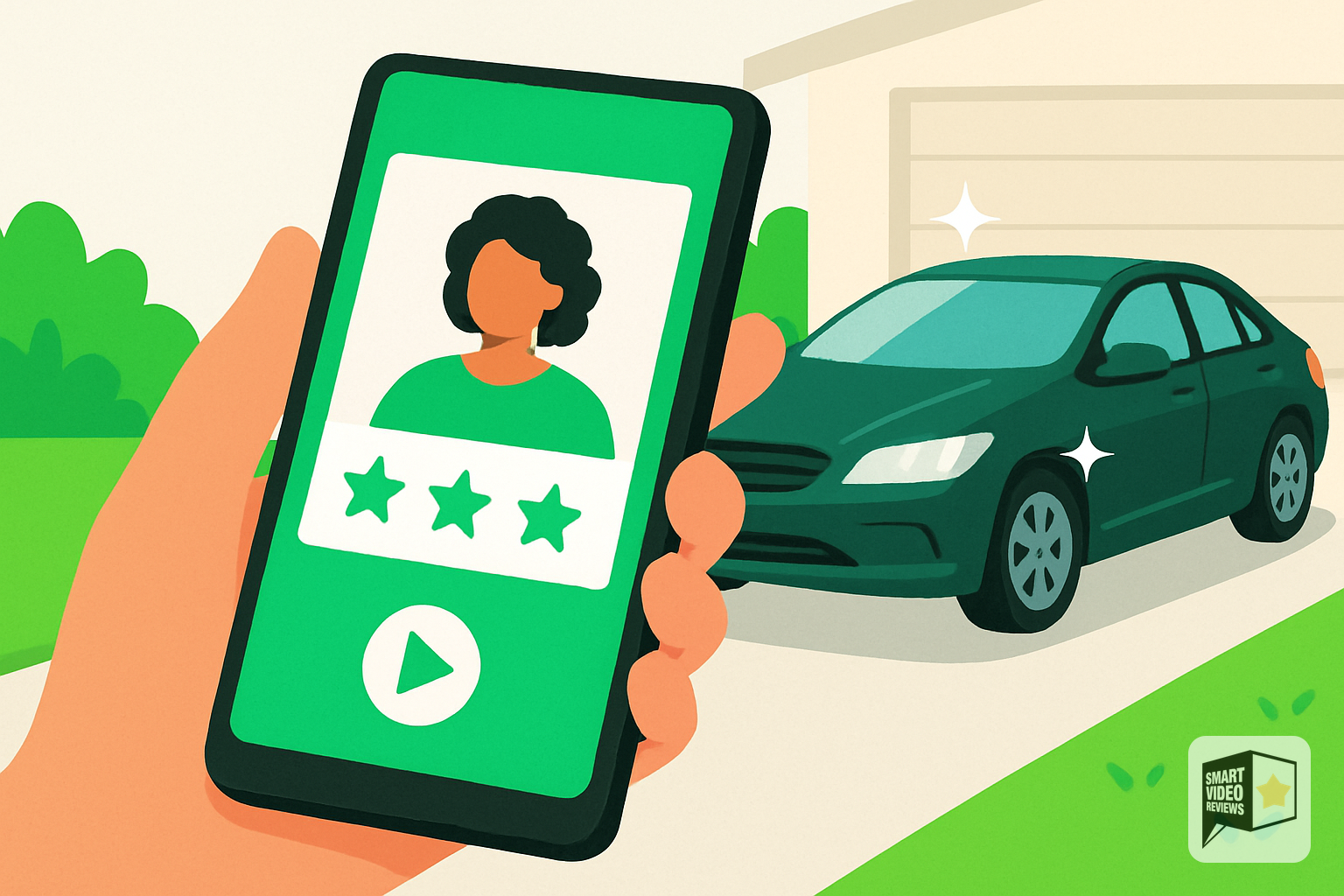
Picture a hypothetical example. Turn your best five-star Google reviews into branded videos so the praise your customers already gave you keeps working for you, no matter what happens to your profile.
Smart Video Reviews turns that text into a short, branded clip: the review displayed cleanly on screen, an AI voiceover reading it aloud, and your business name and colors framing it all. It's the kind of clip you can post to your social profiles, add to a landing page, or send to a lead who's still deciding.
The written review stays on Google, doing its job there. The video does the same job in every other place your customers spend their time. That's the resilience you want.
Where should you post your video reviews for maximum protection?
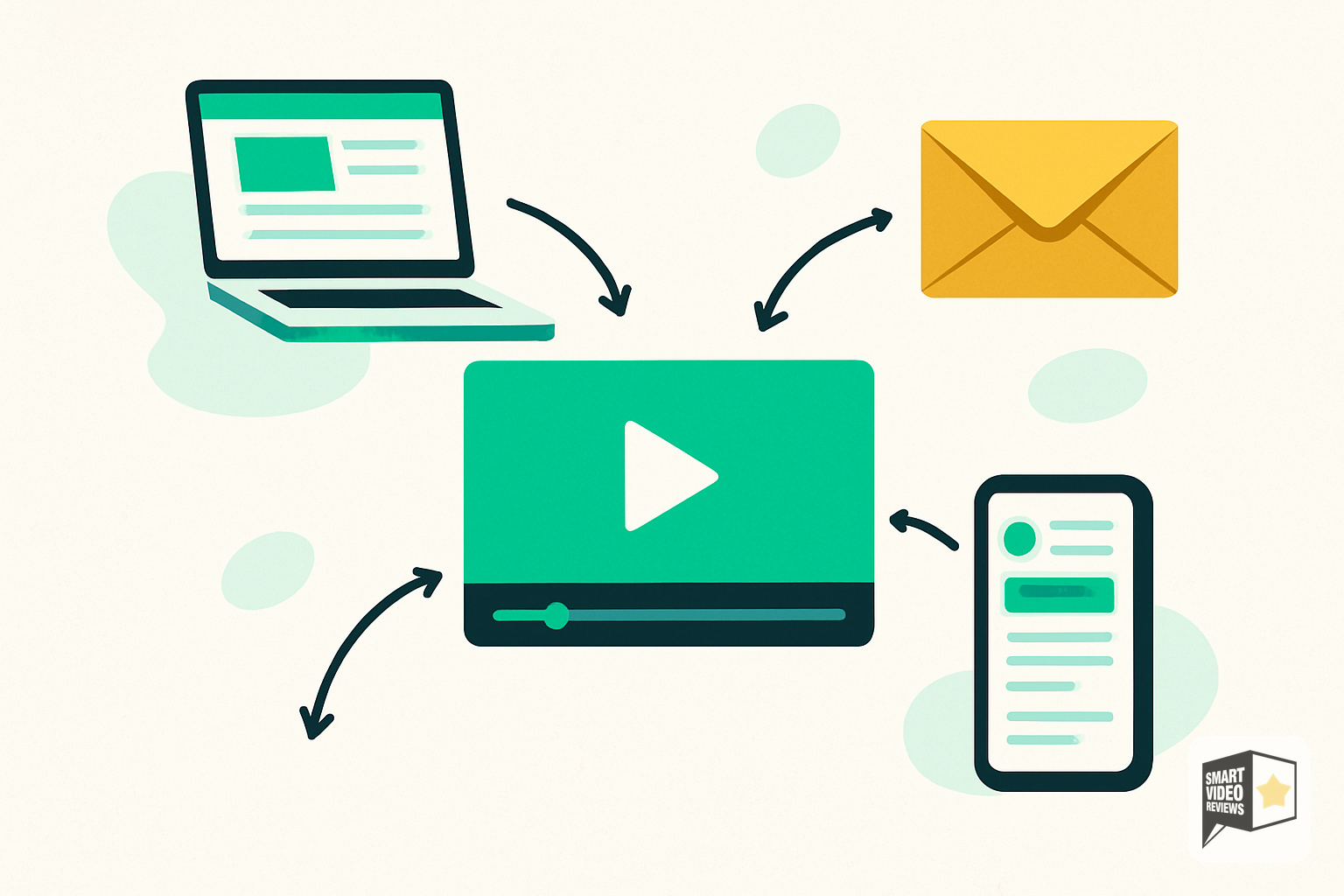
Making the videos is step one. Putting them where they'll survive and get seen is step two, and it's the part you control.
- Your own website. Embed video reviews on your homepage, service pages, or a dedicated testimonials page. This is the safest home because you own the domain.
- Your social profiles. Share them on Instagram, Facebook, TikTok, or wherever your customers are. Each platform becomes another backup of your reputation.
- Google Business Profile itself. You can upload photos and videos to your own profile, adding a layer of proof beyond the review text.
- Direct outreach. Send a short review video to a lead who's on the fence, or include one in a follow-up email or text.
By spreading your best reviews across several places, you turn one fragile asset into many durable ones. If any single platform goes dark, your social proof keeps working everywhere else.
Why do video reviews often outperform text on social media?

Beyond protection, there's a practical reason to convert reviews into video: attention.
On social feeds, video is built to grab attention in a way that a static screenshot of text simply isn't. A short, branded clip with a voiceover feels more human and more shareable. It carries the warmth of a real customer's words in a format built for the platforms where people actually spend their time.
We're careful not to promise specific numbers here, because every business and audience is different. Short-form video is a format many marketers actively prioritize on today's social platforms because it's designed to hold attention. Turning a review you already earned into that format is a low-effort way to meet your audience where they are.
What makes a review worth turning into a video?
Not every review makes a great clip. The strongest candidates tend to share a few traits:
- Specific details about what you did and the outcome, rather than a generic "great service."
- A clear emotional payoff — relief, delight, or trust.
- Language that sounds natural read aloud.
- A mention of something you want to be known for, like punctuality, fair pricing, or expertise.
If you have a strong base of five-star reviews, you likely have several that check these boxes. Those are the ones worth preserving in video form first.
How do you build a reputation that survives a Google Business Profile suspension?
Protecting your reviews is about more than reacting to a worst-case scenario. It's part of a broader habit of owning your reputation instead of renting it, so a Google Business Profile suspension never catches you flat-footed.
Keep earning reviews consistently
The best defense against losing reviews is having a steady flow of new ones. Ask happy customers to leave a review while the experience is fresh. Make it easy with a direct link. Respond promptly and graciously to the reviews you receive, positive and negative alike.
A living, growing collection of reviews is more resilient than a static one. Even if some are filtered or a profile is briefly suspended, an active review habit means your reputation recovers faster.
Keep copies of your best proof

Every time you get a review you're proud of, treat it as an asset worth backing up. Turning it into a video is one of the cleanest ways to do that, because the result is instantly usable across your website and social channels.
This is where Smart Video Reviews fits into the routine. As new five-star reviews come in, you can convert the standouts into branded clips and add them to your growing library of owned social proof.
Spread your reputation across platforms
Don't let one platform hold your entire reputation. Your website, your email list, and your social profiles should all reflect the trust you've built. The more places your proof lives, the less any single disruption can hurt you.
For more practical ideas on using reviews in your marketing, browse the Smart Video Reviews blog, where we cover simple ways local businesses can put their social proof to work.
Is turning reviews into videos worth the effort for a small business?
For a busy owner juggling operations, marketing often falls to the bottom of the list. The appeal of converting existing reviews is that you're not creating content from scratch. The customer already wrote the words. You're just giving those words a new, more durable, more shareable form.
That efficiency matters. A single genuine five-star review can become a video for your website, a post for your feed, and a follow-up asset for a hesitant lead. One piece of proof, working in multiple places, protected against the day your Google profile might go quiet.
The peace of mind is real too. Knowing that a Google Business Profile suspension can't quietly erase years of hard-earned trust lets you focus on the work instead of worrying about the platform.
How do you get started?
Start by identifying your strongest five-star reviews on Google. Look for the specific, heartfelt ones described earlier. Those are the reviews that translate best into video and do the most to reassure a new customer.
From there, turning them into branded videos with Smart Video Reviews is a matter of a few steps, and the finished files are yours to download and post wherever you want. You can start a free trial and turn your first review into a video to see how it fits your brand.
The reviews you've earned are too valuable to leave in one place. Give them a second home, and a Google Business Profile suspension will never be able to erase your reputation.
Frequently Asked Questions
Can Google really remove my reviews?
Yes. Google can filter or remove reviews it believes violate its policies, and reviews become hidden from public view if your Business Profile is suspended. You can learn more about profile policies and the appeal process in the Google Business Profile Help Center. Keeping your own copies of your best reviews protects you against these disruptions.
Does Smart Video Reviews post my videos to social media for me?
No. Smart Video Reviews creates short, branded videos with AI voiceover from your Google reviews, and you download them. You decide where and when to post, share, or embed them. This keeps you in full control of your content and where it appears.
What if my Google profile gets suspended after I've made videos?
The videos you've downloaded and posted are unaffected by a suspension. They live on your website, your social profiles, and anywhere else you've placed them. That means your social proof keeps working even while your Google profile is temporarily hidden or under appeal.
How many reviews should I turn into videos?
There's no fixed number. A good approach is to prioritize your most specific and heartfelt five-star reviews first, then keep converting standout reviews as new ones come in. Building a small, growing library of video reviews is more useful than trying to convert everything at once.
Do I need any video editing skills to use Smart Video Reviews?
No. The service turns your existing review text into a branded video with an AI voiceover, so you don't need to script, film, or edit anything yourself. You can start a free trial and create your first video without design or editing experience.
Where's the best place to post a review video?
Your own website is the safest home because you control it, so embedding videos on your homepage or a testimonials page is a strong start. From there, share them across your social profiles and use them in follow-up messages to leads. Spreading your proof across multiple platforms makes your reputation more resilient.
What Google says about suspended Business Profiles
“We may suspend or disable Business Profiles that don’t follow our guidelines. If you believe your profile should be reinstated, you can submit an appeal.”
“Your account may be restricted when you violate our policy. As a result of an account restriction, the Business Profiles you manage are suspended and you won’t be able to create or claim other profiles.”
“A profile: The public can’t go to the profile. The owner and managers can't act on the profile.”
“The owner’s Google Account: We remove all the locations owned by that user.”
Smart Video Reviews takes your business's 5-star Google reviews and turns them into short, branded videos with an AI voiceover — files you download and keep. Because the video lives on your phone, your website, and your social feeds, a suspension that hides the original review on Google doesn't erase the social proof you've captured.
You stay in control: Smart Video Reviews creates the clips, and you decide where and when to post them. That means you can build durable backups of your best reviews across every platform your customers actually use, rather than trusting one profile to hold your entire reputation.
SmartVideoReviews.com can turn your best 5-star Google reviews into downloadable branded videos so your hard-earned social proof keeps working even if your profile gets suspended.
Watch the walkthrough
Your 5-star reviews are gold. We turn them into videos that sell.
See a real Google review become a branded, ready-to-post video — no camera, no crew, no editing.
See how it works → 2:50
2:50Keep reading

You Wouldn't Pick a Rotten Apple: How to Respond to Google Reviews Worth Marketing
Not every Google review belongs in your marketing. Here's how to find the customer stories worth harvesting—and turn them into video.

How to Respond to Google Reviews in Your Own Cloned Voice
A more personal way to respond to your Google reviews: your customer leaves the review, and your own voice says thank you.
Why the Ideal Google Review Rating Isn't a Perfect 5.0
People aren't looking for perfect. They're looking for proof. Here's how authentic reviews and your own response build the trust that closes local jobs.