
Your Truck Isn't Your Storefront. Google Business Profile Optimization Is.
 Greg CrossJul 28, 202612 min read
Key takeaways
- For home service businesses, your Google Business Profile — not your truck — is your real storefront and first impression.
- Google's 2026 changes (Ask Maps in March, Gemini-Business Profile integration in June) mean AI now reads your reviews as source material to decide whether to recommend you.
- Detailed reviews that name the problem, timeline, and specific courtesies give AI far more to work with than a vague "Great service."
- Claim and verify first (video verification needs one unbroken take showing location, real business, and authorization), then complete every field accurately — especially your primary category.
- Keep your service area realistic and tied to areas where you actually dispatch and have reviews; video content sets you apart since almost no competitors upload it.
A retail shop gets walk-ins. Somebody drives past, sees the sign, remembers it exists.
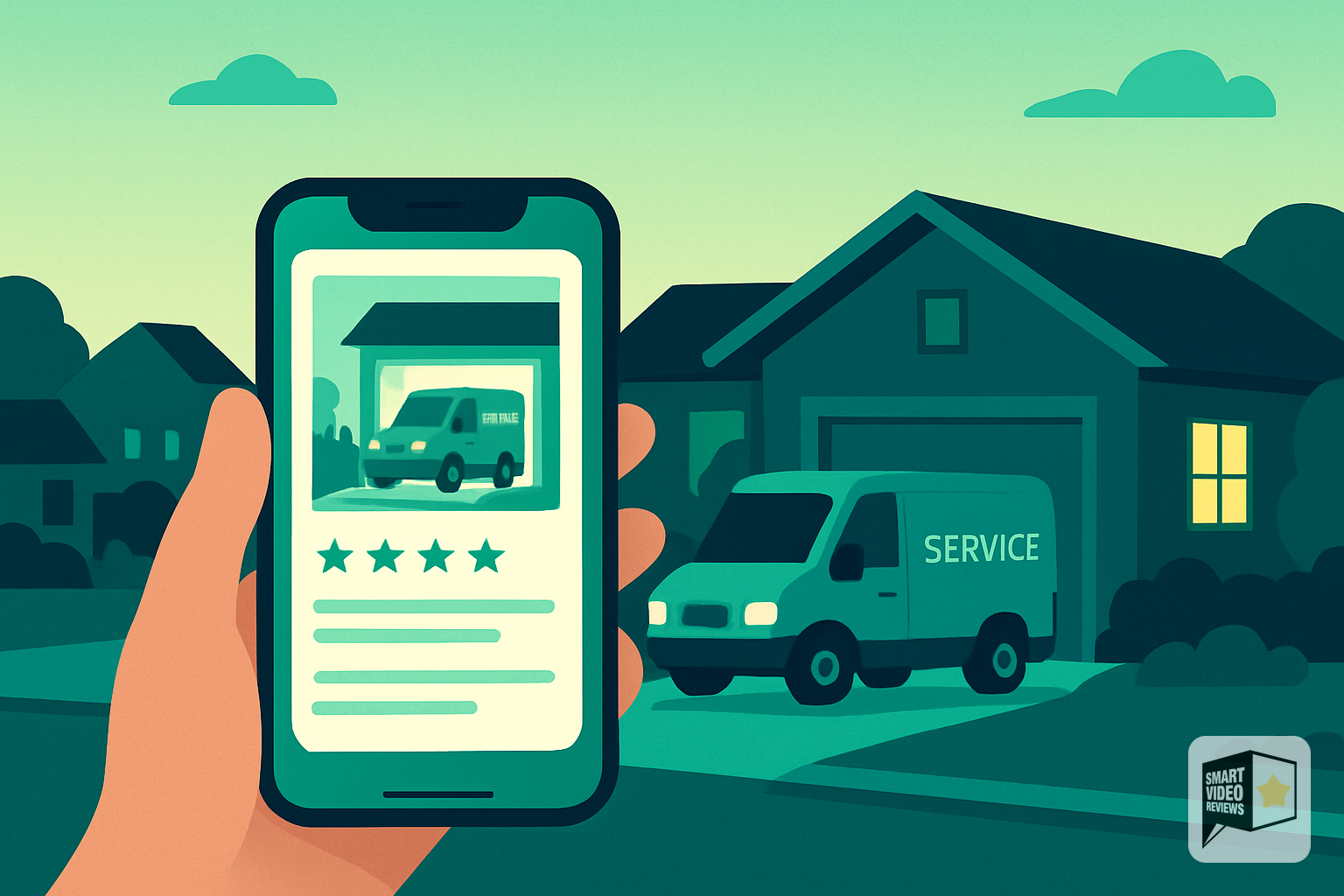
You don't get that. Your storefront is a truck that people see for forty-five minutes while it's parked in a neighbor's driveway. Everything else — every single first impression you'll ever make on a homeowner who doesn't already know your name — happens on a screen, in just a few seconds, on your Google Business Profile. That's why google business profile optimization matters so much.
That's the whole showroom. The photo grid, the star rating, the two reviews Google decides to show first. And most home service businesses fill it out once when they start the company and never touch it again.
Here's what to fix, in order, and what changed in 2026 that makes some of this more urgent than it used to be.
First: What Actually Changed This Year
If you optimized your profile two years ago using a checklist, that checklist is now incomplete. Two things happened.
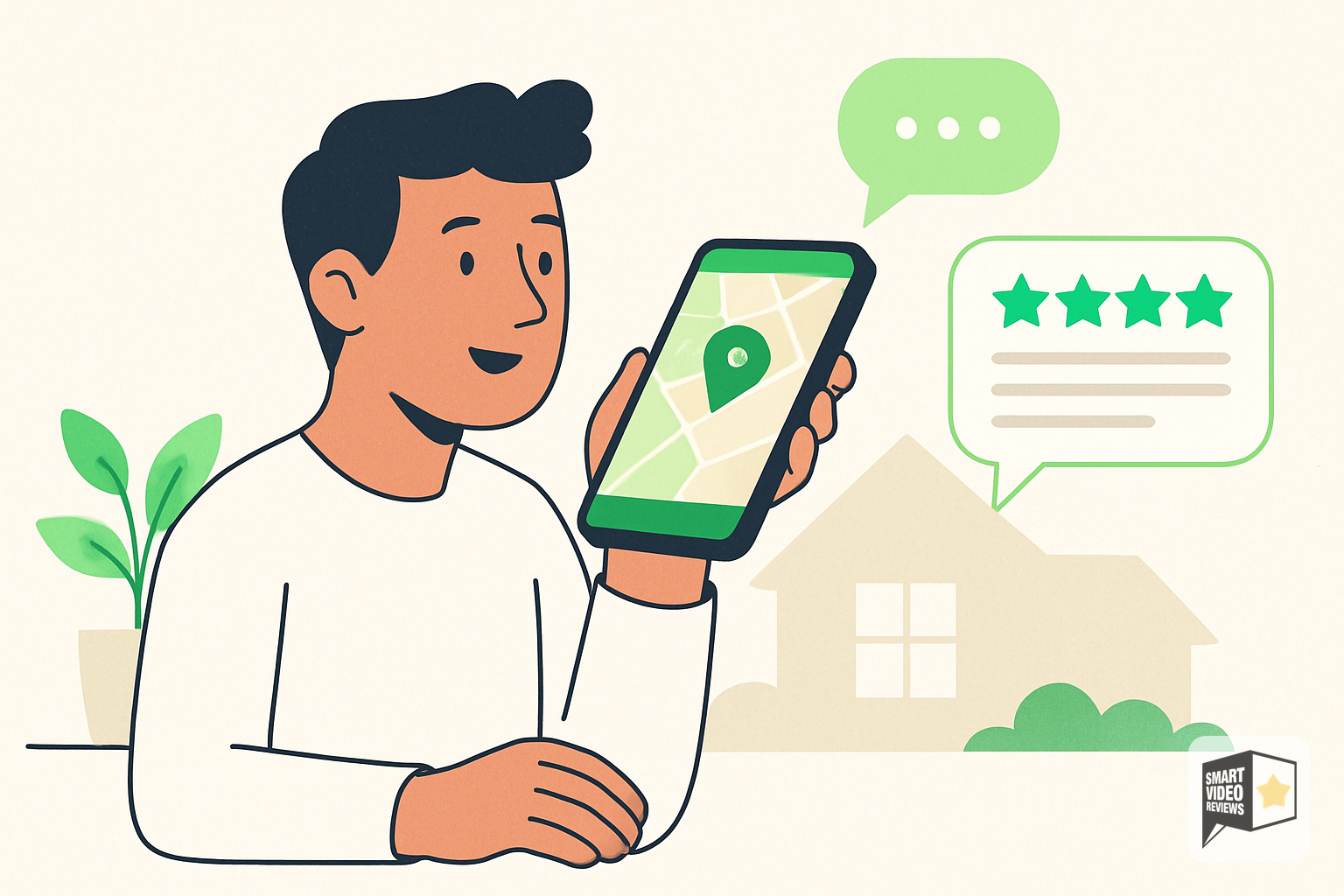
In March 2026, Google announced Ask Maps — Gemini built directly into Google Maps. Instead of typing "plumber near me" and scanning a list, a homeowner can now ask "who can fix a burst pipe today and won't leave a mess" and get a conversational answer. The AI reads profiles, websites, and reviews to build that answer.
Then in June 2026, Google connected the Gemini app to Business Profiles directly, so owners can pull performance data and draft review replies from inside Gemini.
Put those together and the shift is this: your reviews stopped being decoration and became source material.
They're not just stars that nudge a ranking anymore. They're the raw text an AI reads to decide whether to recommend you.
Which means "Great service, would recommend" — a review you were probably thrilled to get — gives the AI almost nothing to work with. A review that names the exact problem, the timeline to resolution, and the small courtesies your techs showed gives it everything.
Keep that in mind as you work through the rest of this. It changes what you should be asking customers for.
Step 1: Claim and Verify It
Nothing below matters until this is done. An unverified profile doesn't show your photos or videos to anybody — Google holds them back until verification clears.
Search your business name on Google. If a profile exists that you don't control, claim it. If nothing exists, create it at google.com/business. Verification happens by postcard, phone, email, or video, and Google picks the method — you don't.
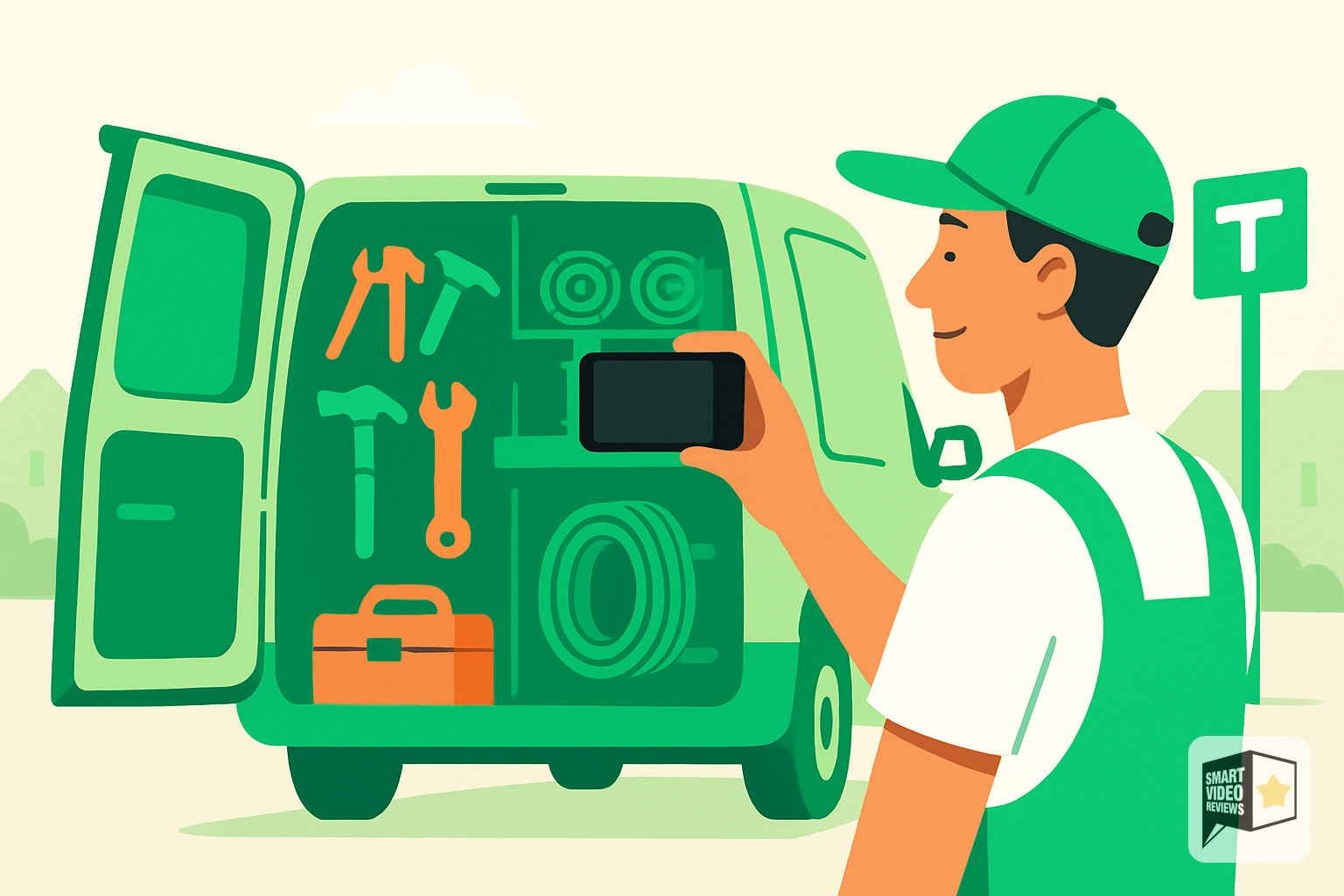
The video verification is the one that trips people up. Google wants one unedited, unbroken recording of meaningful length — that shows three things: where you are (street signs, nearby landmarks), that the business is real (tools, equipment, inventory, signage), and that you're authorized to manage it (access to areas or documents a customer wouldn't have).
Shoot it in one take, in daylight, and don't rely on a branded truck alone — a logo on a door gets rejected on its own. Show the truck and the equipment inside it and something that proves the location. Getting rejected means starting over, and re-verification moves slower than first-time verification.
If you're already verified: log in anyway. Profiles get suspended, merged, or edited without notice, and most owners don't find out for weeks. Set a calendar reminder to check monthly.
Step 2: Fill Out Every Field — Accurately
Google rewards completeness because completeness is a signal you're a real, operating business. Go field by field.
- Business name. Your legal, real-world name. Not "Apex Plumbing | Emergency Plumber Indianapolis." Keyword stuffing the name field is the fastest way to get reported by a competitor and suspended.
- Address vs. service area. If you don't serve customers at your location, hide the address and run as a service-area business. Listing your house as a public address is a suspension risk and it's also just bad — you don't want strangers at your door.
- Phone number. Local area code. A toll-free-only number reads as a call center.
- Categories. Your primary category carries the most weight of any single field on the profile. Pick the one that describes what you actually make most of your money doing, then add secondary categories for everything else. An HVAC company that also does duct cleaning should have both.
- Services. List them individually, each with its own description. Don't write "full-service plumbing." Write "water heater replacement," "sewer line repair," "sump pump installation." These are the words people type and speak.
- Hours. Accurate, including holidays. If you run 24/7 emergency service, say so — it's a real differentiator during a January cold snap.
- Website. Link it. If you don't have one, that's a separate conversation, but link something.
Step 3: Get the Service Area Right
For home service businesses, this is the field with the most upside and the most self-inflicted damage.
Google lets you list multiple service areas — cities, ZIP codes, or regions — and it draws a hard line on how big they can be: your overall boundary shouldn't stretch beyond a reasonable drive from your base.
The instinct is to list all 20 and blanket the metro. Resist it. A service area that sprawls in every direction tells Google you're a diffuse, unfocused business, and it dilutes you across all of them rather than making you strong in any one. Homeowners notice too: if you claim to cover a town ninety minutes out, the person in that town doesn't believe you're actually showing up on a Saturday.
Better approach: list the areas you genuinely dispatch to regularly, and where you have customers who've left reviews. Real jobs in a real area, with real reviews attached to it, is a much stronger signal than a wide net.
Step 4: Photos Are Table Stakes. Video Is the Separator.
Every competitor you have will eventually get around to uploading photos. Almost none of them will upload video.
| Photos | Videos | |
|---|---|---|
| Format | JPG or PNG | Standard video formats |
| Size | Size 10 KB – 5 MB Up to a generous maximum | Up to 75 MB |
| For best results, export at a square resolution of 720p or higher. | ||
| Length — Short and social-ready |
Expect uploads to go live within a day or two., and know that heavily filtered or altered images get rejected.
What to actually upload:
- Before-and-afters of real jobs. The messiest before you have. Homeowners don't want to see a pretty finished roof — they want to see that you fixed something that looked like their problem.
- Your crew. Faces, names, uniforms. The person deciding who to let into their home is making a safety judgment before a price judgment.
- Trucks and equipment, so people recognize you when you pull up.
- Short video of work in progress. Size 10 KB – 5 MB Up to the platform's maximum allowed file size
Refresh these quarterly. A profile whose newest photo is from 2023 tells a story you don't want told.
Step 5: Reviews — Get Them, Answer Them, Then Actually Use Them

Reviews are a genuine ranking factor and always have been. But most businesses stop at step one of three.
Get them. Ask at the moment of maximum relief — right after the water stops running down the wall, before you're back in the truck. Text a direct review link within the hour; a link that requires searching loses most people. And ask for specifics: "If you don't mind mentioning what we fixed and how fast we got there, that helps other people know what to expect."
Answer them. All of them, within a day or two. Positive reviews get a short, human reply that mentions the actual job. Negative reviews get a calm, factual response and an offer to make it right — written for the hundred people who'll read it, not the one person who wrote it.
Then use them. This is where nearly everyone stops, and it's the part that costs the most.
You have a folder of five-star reviews from customers who described exactly why you're worth calling — and they're sitting on a page a homeowner scrolls past in four seconds. Meanwhile the competitor with worse work and better marketing is posting video every week and looking like the safer choice.
That's the gap. It isn't a quality gap. It's a visibility gap.
Turn your best reviews into short branded videos. Post them to your profile, your Instagram, your TikTok, your Facebook, your homepage. The same words that were invisible as text become something a homeowner stops scrolling for.
That's the entire reason Smart Video Reviews exists.
Step 6: Post Every Week
Google Posts show up on your profile and signal that somebody's home.
Myth to kill: Posts don't expire after seven days. That rule went away back in 2021 and people are still repeating it. What actually happens is that Google stops featuring your most recent posts after about six months — they stay on the profile, they just stop getting prime placement. So the risk isn't disappearing, it's going stale in public. A profile whose latest update is from last October reads as a business that might not be operating.
Post seasonal warnings (pre-winter furnace checks, storm prep, spring gutter cleaning), a job you just finished, a promotion with a real deadline, or a review video. Include an image or video every time — text-only posts get ignored. End with one clear action: call, book, get a quote.
Fifteen minutes a week. That's the whole commitment.
Step 7: Turn On Your Attributes
Small field, real effect. Identity attributes let you flag Veteran-owned, Women-owned, Black-owned, Latino-owned, Asian-owned, Indigenous-owned, Disabled-owned, LGBTQ+ owned, and Small business. (Google renamed these from "-led" to "-owned" years ago — if you're working off an old checklist, that's your tell.) Service-option attributes cover things like onsite services, online estimates, and online appointments.
These show as badges, and they're increasingly used to filter results. "Veteran-owned HVAC near me" is a real search. Which attributes you're offered depends on your category, so check what's actually available to you — and if it's true, turn it on.
One correction while we're here: 24/7 emergency availability isn't an attribute. It's an hours setting. Set your hours to "Open 24 hours" if that's real for you.
Step 8: Google Business Profile Optimization With Keywords — Like a Person, Not a Robot
Write your business description for a homeowner, not an algorithm — but make sure the words a homeowner would use are in there. If you're a roofer in Fort Wayne who does storm damage and insurance claims, those words belong in your description, your services list, and your posts. Naturally, once, where they fit.
Google is much better at understanding meaning than it was five years ago, and Gemini is better still. Stuffing reads as spam to both the software and the customer.
Step 9: Watch the Numbers Monthly
Your profile's performance data tells you what people searched to find you and what they did next — called, requested directions, clicked to your site.
Two things to look for. First, the search terms you're showing up for that you don't offer, which means your categories or services need adjusting. Second, the ratio of views to calls. Lots of views and few calls means people are looking at your profile and choosing someone else — and that's almost always a photos, reviews, or visible-proof problem, not a ranking problem.
The 20-Minute Checklist
Do this today:
- Log in and confirm the profile is verified and not suspended
- Check the primary category — is it what you actually do most?
- Add every service as its own line item with a description
- Trim your service area to where you truly dispatch
- Upload five real job photos and one 30-second video
- Reply to every review you haven't answered
- Text a review link to the last three customers you served
- Publish one post
- Set a monthly reminder to repeat items 5, 6, and 8
The Point of All of It
For over 23 years I've watched small businesses fight for attention online, and the pattern never changes: the best businesses don't always win. The visible ones do. That's the real payoff of google business profile optimization.
Your Google Business Profile is where that fight happens now. Every field you fill out, every photo you upload, every review you turn into something people actually watch — that's you closing the gap between how good you are and how good you look.
You already earned the reviews. Let them do more.
Get your first branded video free →
21-day free trial · No credit card required · Cancel anytime
Frequently Asked Questions
Why does Google Business Profile optimization matter more for home service businesses than retail shops?
Retail shops get walk-in traffic from people who drive past and remember the storefront. Home service businesses don't. Your only first impression with a new homeowner happens on your Google Business Profile — the photos, star rating, and reviews Google shows. That profile is your entire showroom.
What is Ask Maps and how does it affect my business?
Ask Maps, announced in March 2026, is Gemini AI built into Google Maps. Instead of typing "plumber near me," homeowners can now ask conversational questions like "who can fix a burst pipe today and won't leave a mess." The AI reads your profile, website, and reviews to decide whether to recommend you.
Why do detailed reviews now matter more than short ones?
Because AI now uses your reviews as source material, not just star ratings. A vague review like "Great service, would recommend" gives the AI almost nothing to work with. Detailed reviews that mention specific services, problems solved, and outcomes give the AI concrete text to match against homeowner questions.
What changed with Google Business Profiles in 2026?
Two things. In March 2026, Google launched Ask Maps (Gemini inside Google Maps) for conversational search. In June 2026, Google connected the Gemini app directly to Business Profiles, letting owners pull performance data and draft review replies from inside Gemini. Together, they turned reviews into AI source material.
If I optimized my profile a couple of years ago, is it still good?
No. If you used a checklist two years ago, that checklist is now incomplete. The rise of AI-driven search means reviews, profile details, and content need to be richer and kept current — not filled out once and forgotten.
How do Smart Video Reviews help with all of this?
Smart Video Reviews turn your existing Google reviews into short, branded videos. This keeps your profile and marketing fresh, showcases detailed customer feedback in an engaging format, and reinforces the specific, descriptive language that both homeowners and AI tools respond to.
The 2026 shift this article describes — where AI like Ask Maps reads your reviews to decide whether to recommend you — makes the substance of your reviews matter more than ever. A profile full of vague "would recommend" notes gives an AI almost nothing, while reviews that name the exact job, the timeline, and the details of the work give both homeowners and Google's tools something concrete to act on.
Smart Video Reviews turns your existing 5-star Google reviews into short, branded videos with AI voiceover — the exact kind of video content this article calls the separator on your profile, since almost no competitor uploads it. That gives you a richer, more specific showroom that stands out in a search list and reinforces the social proof homeowners scan in their first few seconds.
SmartVideoReviews.com can transform your best Google reviews into branded videos that make your profile the showroom competitors don't have.
Watch the walkthrough
Your 5-star reviews are gold. We turn them into videos that sell.
See a real Google review become a branded, ready-to-post video — no camera, no crew, no editing.
See how it works → 2:50
2:50Keep reading

You Wouldn't Pick a Rotten Apple: How to Respond to Google Reviews Worth Marketing
Not every Google review belongs in your marketing. Here's how to find the customer stories worth harvesting—and turn them into video.

How to Respond to Google Reviews in Your Own Cloned Voice
A more personal way to respond to your Google reviews: your customer leaves the review, and your own voice says thank you.
Why the Ideal Google Review Rating Isn't a Perfect 5.0
People aren't looking for perfect. They're looking for proof. Here's how authentic reviews and your own response build the trust that closes local jobs.