
When the Floodwaters Rise, Homeowners Search 'Water Damage Restoration Near Me': Will They Trust Your Company?
 Greg CrossAug 14, 202610 min read
Key takeaways
- Homeowners facing water damage search Google in a panic and make a split-second trust decision, not a leisurely comparison.
- In a crisis search, recent reviews, emergency-specific mentions ("came out same day"), fast review responses, and a human face matter more than equipment specs or years in business.
- A complete, 24/7 Google Business Profile is often the only impression a homeowner gets before calling — stale or missing details raise their guard.
- Your best marketing is already written in your reviews' crisis-to-relief stories, but most of it stays buried on your listing where only existing finders see it.
- Turning those reviews into short branded videos makes them harder to skip and builds trust everywhere your next customer already spends time.
Why do homeowners turn to Google the moment water starts rising?
When a pipe bursts at 2 a.m. or a storm pushes water under the front door, most homeowners don't reach for a phone book. They grab their phone and search something like "water damage restoration near me."
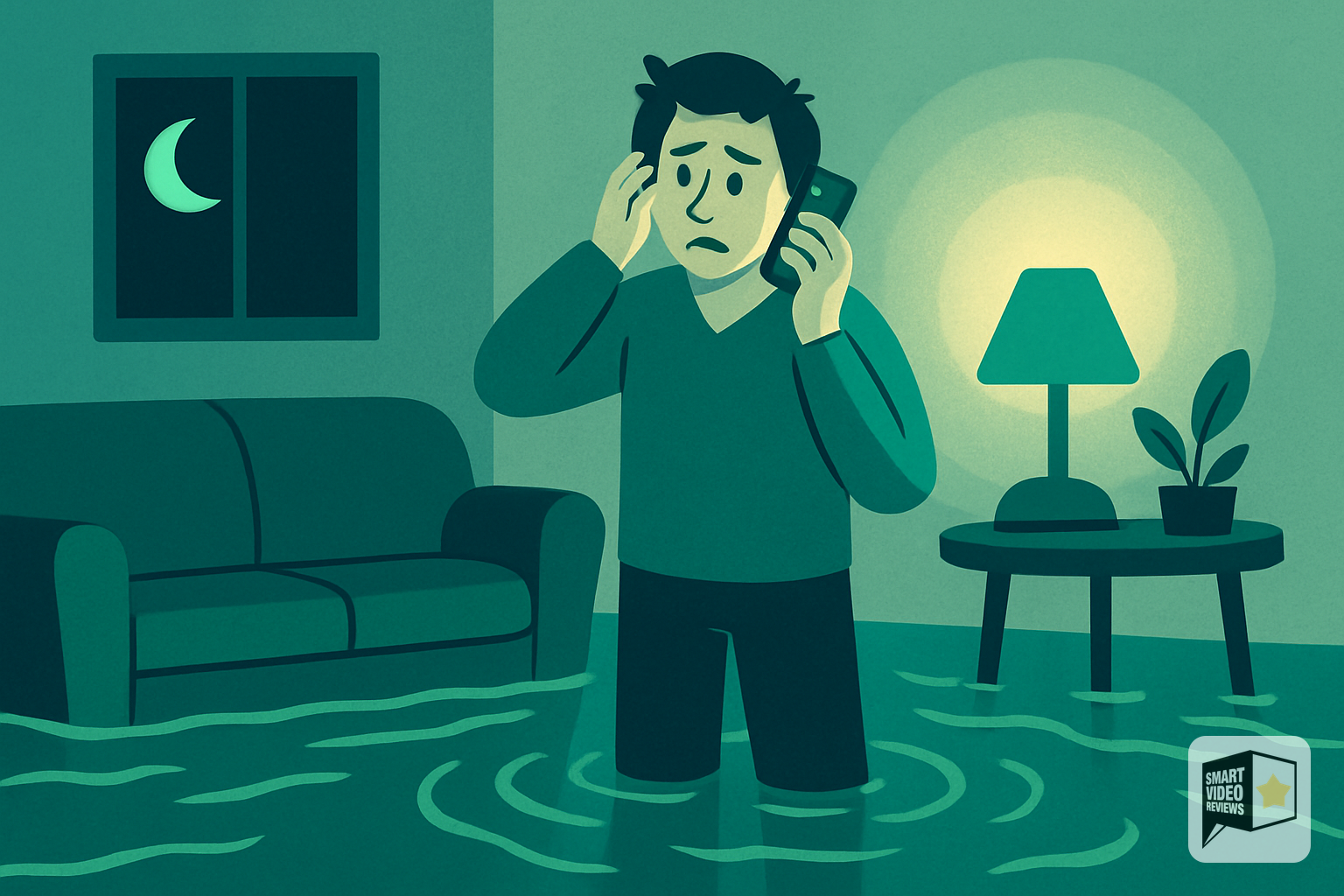
In that moment, they aren't shopping calmly. They're stressed, wet, and worried about their home, their belongings, and their budget. They want to know one thing fast: can I trust the company that shows up?
That's the reality of the restoration business. Your marketing isn't competing for a leisurely decision. It's competing for a split-second judgment made by someone in the middle of an emergency. The companies that win are the ones that look credible, established, and human the instant a searcher lands on their listing.
What does a panicked homeowner searching "water damage restoration near me" actually look for in the first 30 seconds?

Emergency searches are different from routine ones. A homeowner comparing lawn services might browse for days. A homeowner standing in three inches of water is scanning for reassurance, and they're doing it quickly.
Based on how people evaluate local businesses, a few signals tend to matter most during a crisis search:
- A steady stream of recent reviews. Reviews from this month say "they're active and available now" far louder than reviews from two years ago.
- Reviews that mention the emergency itself. Phrases like "came out same day" or "walked us through the insurance claim" tell the searcher you've handled their exact situation.
- Fast, professional responses. A company that replies to reviews looks like a company that will reply to a 2 a.m. phone call.
- A face and a voice. People trust people. Anything that feels human cuts through the anxiety.
Notice that none of these are about your equipment specs or your years in business. Those matter, but only after you've cleared the trust bar. Social proof is what clears it.
How much does your Google Business Profile really matter?

For a local restoration company, your Google Business Profile is often the first and sometimes only impression a homeowner gets before they call. It's the storefront for an emergency search.
A complete, well-maintained profile does a lot of quiet work: it confirms your service area, shows your hours (ideally 24/7 for emergency work), displays your phone number for a one-tap call, and surfaces your reviews. If any of those are missing or stale, the searcher's guard goes up.
If you haven't claimed or fully filled out your profile, start there. Google's own Google Business Profile Help walks you through verification, categories, service areas, and posts. It's free, and it's the foundation everything else sits on.
Once your profile is solid, the next lever is the one most restoration companies underuse: turning the reviews you already have into content that works everywhere, not just on your listing.
Why are reviews the single most persuasive asset you own?
Think about who's writing a review for a restoration company. It's usually someone who was, days earlier, in the worst situation of their year. Their home was damaged. They were frightened. And your team fixed it.
That emotional arc, from crisis to relief, is exactly what your next customer needs to hear. No ad you write about yourself will ever be as convincing as a real homeowner saying "they showed up when we needed them and treated our home like their own."
The best marketing message for a restoration company is already written. It's sitting in your reviews, in your customers' own words.
The problem is that most of that gold stays buried on your Google listing, where it's only seen by people who already found you. The opportunity is to take those words and put them everywhere your next customer already spends time.
How can you use your best reviews beyond your Google listing?
A five-star review is versatile. Once you have a customer's words on record, you can repurpose them in ways that build trust before an emergency even happens, so you're already the company they remember when it does.
- On your website. Feature standout reviews on your homepage and your emergency services page, not tucked away on a hidden "testimonials" tab.
- In your Google Business posts. Highlight a recent review as a post so it stays visible on your profile.
- On social media. Homeowners follow local businesses. A steady drip of real reviews keeps you top of mind for the day something goes wrong.
- In video form. This is where a text review becomes something people actually stop and watch.
Text is easy to skim past. A short, branded video with a voice reading a real review, your logo, and your colors is far harder to ignore, and it feels more human. That's the gap Smart Video Reviews is built to close.
What exactly does Smart Video Reviews do for a restoration company?

Smart Video Reviews turns your existing five-star Google reviews into short, branded videos with an AI voiceover. You choose the review, it becomes a clean, shareable clip carrying your brand, and you get a file you can download.
From there, you're in control of where it goes. You can post it to your Facebook or Instagram, add it to your website's emergency services page, drop it into an email to past customers, or embed it wherever you want more proof.
To be clear about what it does and doesn't do: Smart Video Reviews creates the video and hands it to you to download, post, share, and embed. It does not automatically post to your social accounts for you, and it doesn't produce transcripts. The creative asset is done for you; the distribution stays in your hands, which means you decide the timing and the message.
For a busy restoration owner who's more comfortable running a drying operation than editing video, that's the point: you get professional-looking social proof without hiring a videographer or learning new software.
Why video reviews win the "water damage restoration near me" moment for emergency services
Restoration is a trust-first, high-stakes purchase. People are inviting strangers into a damaged home and often coordinating with insurance. Video lowers the perceived risk in a few ways.
It puts a human voice on a stressful decision
Reading a review requires effort. Hearing one, even with an AI voiceover, feels more like a neighbor telling you who they'd call. That warmth matters when someone is anxious.
It's built for the platforms homeowners already scroll
Short, vertical-friendly video is the native language of social feeds. A branded review clip fits naturally between the content people already watch, so your proof shows up where their attention is.
It keeps you visible between emergencies
Nobody thinks about restoration until they need it. But if a homeowner has seen a few of your review videos over the months, your name is already familiar when the water starts rising. Familiarity, in a panic, feels like safety.
Which of your reviews should you turn into videos first?
Not every review is equally persuasive. When you're deciding which ones to feature, look for reviews that do the heavy lifting on trust:
- Reviews that name the fear you solve. "We thought we'd lost everything" is powerful because it mirrors what the next searcher feels.
- Reviews that mention speed and availability. Emergency customers care most about "how fast can you be here."
- Reviews that praise communication. Insurance and unknowns are scary. "They explained every step" reduces that.
- Reviews that mention respect for the home. "They cleaned up like it was their own place" signals professionalism.
You don't need a flood of reviews to start. Even a handful of strong ones, turned into videos and shared consistently, gives you more usable social proof than most competitors have.
How do you get more reviews without being pushy?
The best time to ask is right after a job is finished and the homeowner is feeling relief and gratitude. A few practical habits help:
- Ask in person, then follow up with a link. Verbal requests get remembered; a text or email link makes it easy to act on.
- Make it one tap. Send the direct link to your Google review form so there's no hunting.
- Be specific. "If you have a minute, it would mean a lot if you mentioned how the process went" produces more detailed, useful reviews.
- Respond to every review. A brief, genuine reply shows future readers you're engaged and human.
Once those reviews come in, they become raw material. Turn the strongest ones into videos, keep the rest working on your profile, and you've built a self-reinforcing loop of trust. For more ideas like this, browse the Smart Video Reviews blog.
What would this look like for a hypothetical restoration company?
Imagine a fictional company we'll call Riverside Restoration. (This is a hypothetical example, not a real customer.) They've earned a solid set of five-star reviews over the past year but they live only on Google, where local homeowners find them by searching water damage restoration near me.
They pick three of their most emotional reviews, ones that mention a fast same-day arrival, clear communication with the insurance adjuster, and a spotless cleanup. Using Smart Video Reviews, each becomes a short branded clip with a warm voiceover and their logo.
The owner downloads the videos and posts one a week to Facebook, pins another to the top of the emergency services page on the website, and includes a third in a seasonal storm-prep email to past customers. Nothing about the pattern is complicated, and it keeps their proof visible long before the next storm.
The lesson from this example isn't a promised result. It's that the assets you need to build trust may already exist in your review section, waiting to be put to work.
How do you get started?
Trust in the restoration business is earned in the calm moments and cashed in during the emergencies. The homeowner searching for water damage restoration near me at 2 a.m. isn't going to research you carefully; they're going to trust the company that looks the most credible the fastest.
Get your Google Business Profile complete and current. Keep asking happy customers for reviews and responding to them. Then take your best reviews and put them where more people will see them, including in video form. You can try Smart Video Reviews for free and turn a review you already have into a branded video you can post today.
Frequently Asked Questions
Do I need a lot of reviews before video reviews are worth it?
No. Even a small base of strong five-star reviews gives you enough material to create a few compelling videos. Focus on quality and emotional relevance over volume, and keep adding reviews over time.
Does Smart Video Reviews post the videos to my social media for me?
No. Smart Video Reviews creates the branded video from your Google review and lets you download it. You decide where and when to post, share, or embed it, so you stay in full control of your messaging and timing.
What if I'm not comfortable with video or editing software?
That's exactly who this is built for. You select a review and Smart Video Reviews handles turning it into a clean, branded clip with an AI voiceover. There's no filming, scripting, or editing required on your end.
How do I get more Google reviews from restoration customers?
Ask right after the job is done, when relief is highest, and follow up with a direct link to your Google review form. Being specific about what to mention, like response time or communication, tends to produce more useful reviews. See Google Business Profile Help for guidance on managing reviews.
Are video reviews only useful for emergencies?
They help all year. Because restoration is an infrequent, high-stress purchase, staying visible with review videos between emergencies keeps your company familiar, so you're the name homeowners remember when they finally need help.
Can I use the same video in more than one place?
Yes. Once you download a video, you can post it to social media, embed it on your website, and include it in emails. Reusing one strong video across several channels multiplies its value.
This article makes the case that reviews are the most persuasive asset a restoration company owns — and that most of them sit unseen on a Google listing. Smart Video Reviews takes your existing five-star Google reviews and turns them into short, branded videos with an AI voiceover, so a homeowner's crisis-to-relief story becomes something people actually stop and watch.
You choose the review, get a downloadable clip carrying your logo and colors, and decide exactly where it goes — your emergency services page, Facebook, Instagram, or an email to past customers. It's the human, credible social proof this article says wins emergency searches, without hiring a videographer or learning new software.
SmartVideoReviews.com can turn a past homeowner's crisis-to-relief review into a short branded video that earns a panicked searcher's trust in the first 30 seconds.
Watch the walkthrough
Your 5-star reviews are gold. We turn them into videos that sell.
See a real Google review become a branded, ready-to-post video — no camera, no crew, no editing.
See how it works → 2:50
2:50Keep reading

How to Respond to Google Reviews in Your Own Cloned Voice
A more personal way to respond to your Google reviews: your customer leaves the review, and your own voice says thank you.

Why the Ideal Google Review Rating Isn't a Perfect 5.0
People aren't looking for perfect. They're looking for proof. Here's how authentic reviews and your own response build the trust that closes local jobs.
How to Get Google Reviews: What My Auto Mechanic Taught Me
Google Reviews didn't replace word of mouth. They gave it a bigger microphone. Here's what that means for your local business.